
The drawing program for kids.
Wacky brushes, a dynamite eraser, stamps, a mixer that turns everything upside down… and sounds everywhere. From age 3.
Free web version, no ads, no account. The iPhone, iPad, iPhone Duo and Mac app (€3.99, one-time purchase) is in Apple's review: coming soon to the App Store.
- Free web version
- From age 3
- No ads, no account
- 5 languages
And the Oops guy, who undoes.
Drips, stars, magic tree…
The mixer turns the whole picture around.
Menus, voice, alphabet and manual.
Everything to draw, laugh and be amazed
Every tool makes a sound, every button hides a surprise. And the Oops guy is always there to go back.
13 tools and the Oops guy
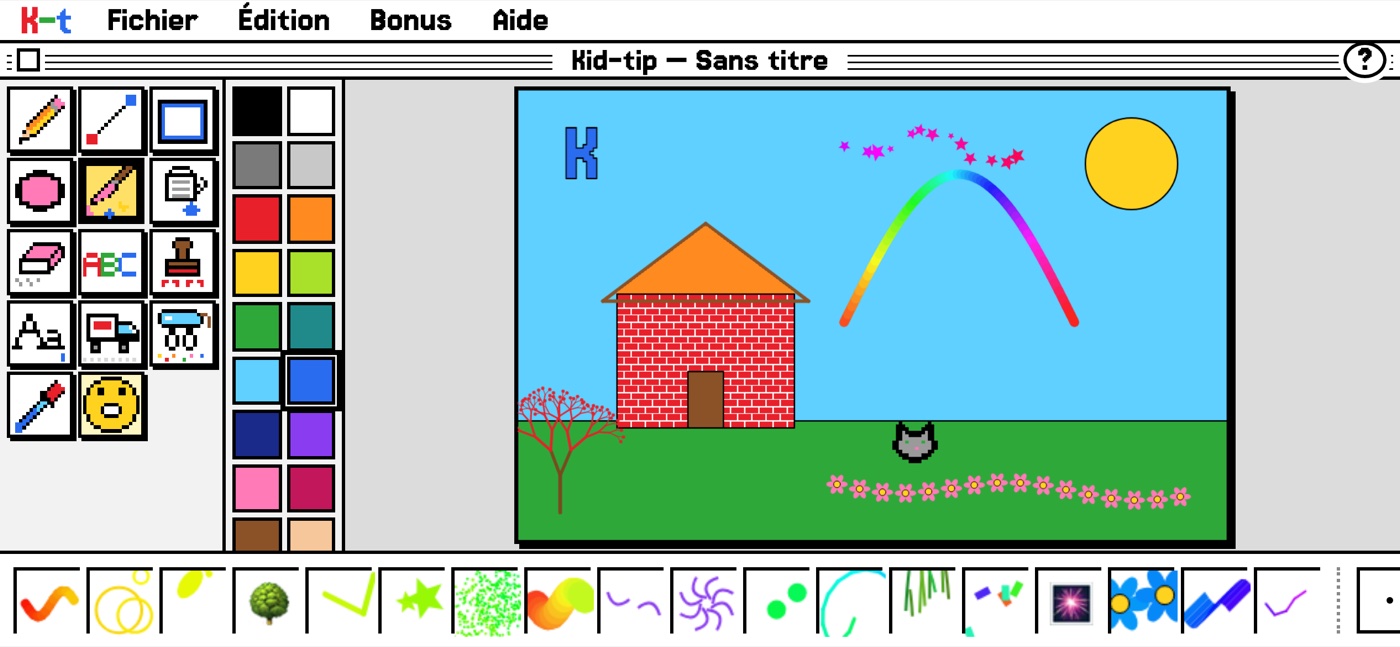
Pencil, shapes, patterned paint bucket, stamps, text, moving truck, eyedropper… and Oops, which undoes.
18 wacky brushes
Drips, footprints, stars, magic tree, fireworks, mirror, kaleidoscope…
Spectacular erasers
Dynamite, black hole, rain, and the hidden picture that appears as you erase.
The mixer
12 mixes that change the whole picture at once (and Oops to go back).
It talks!
The alphabet says every letter, and Kid-tip reads what the child writes.
Help for children who can't read yet
Touch “?” then a tool: a balloon explains it, “Read” says it out loud, and “Show me” shows how.
Split screen
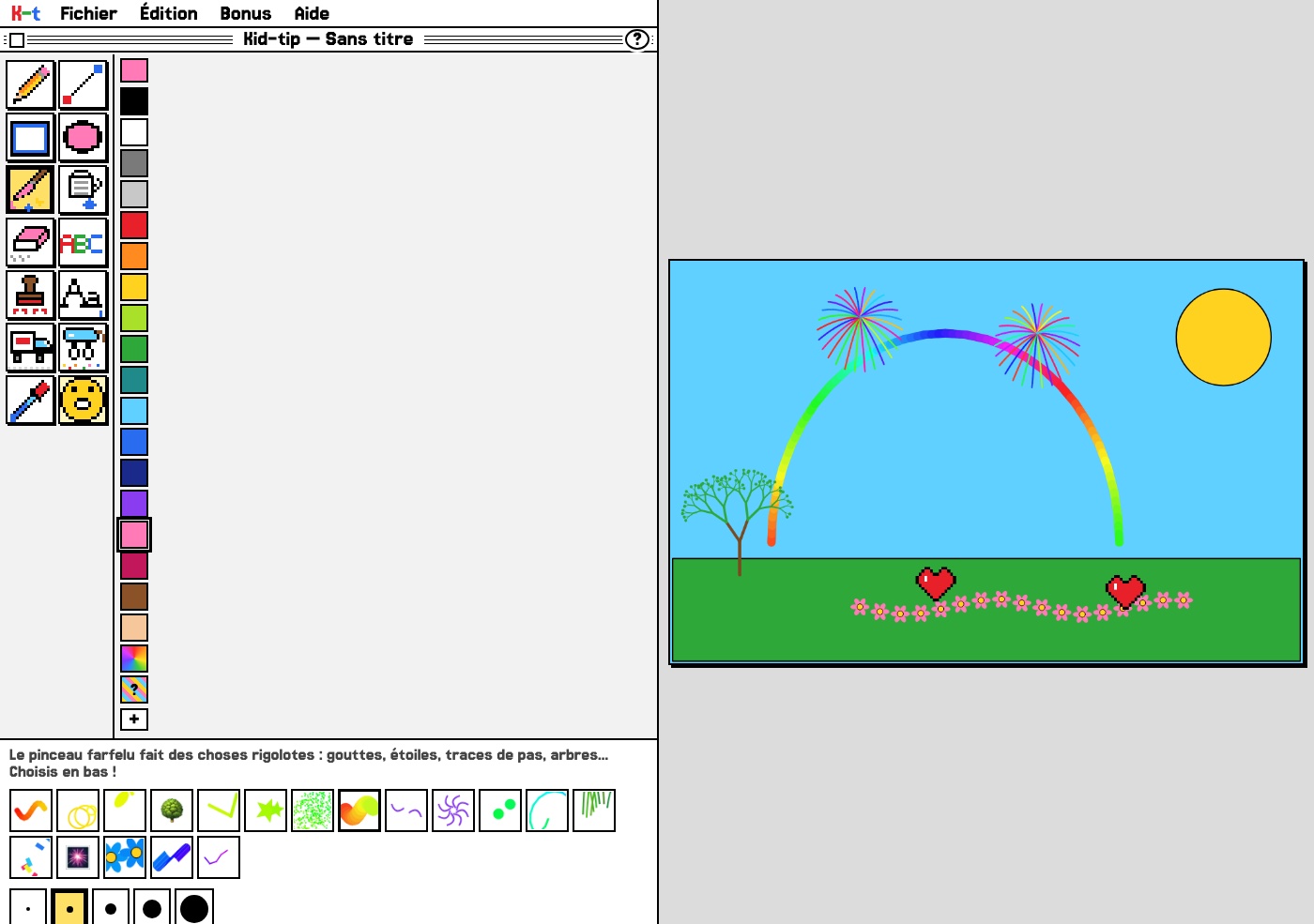
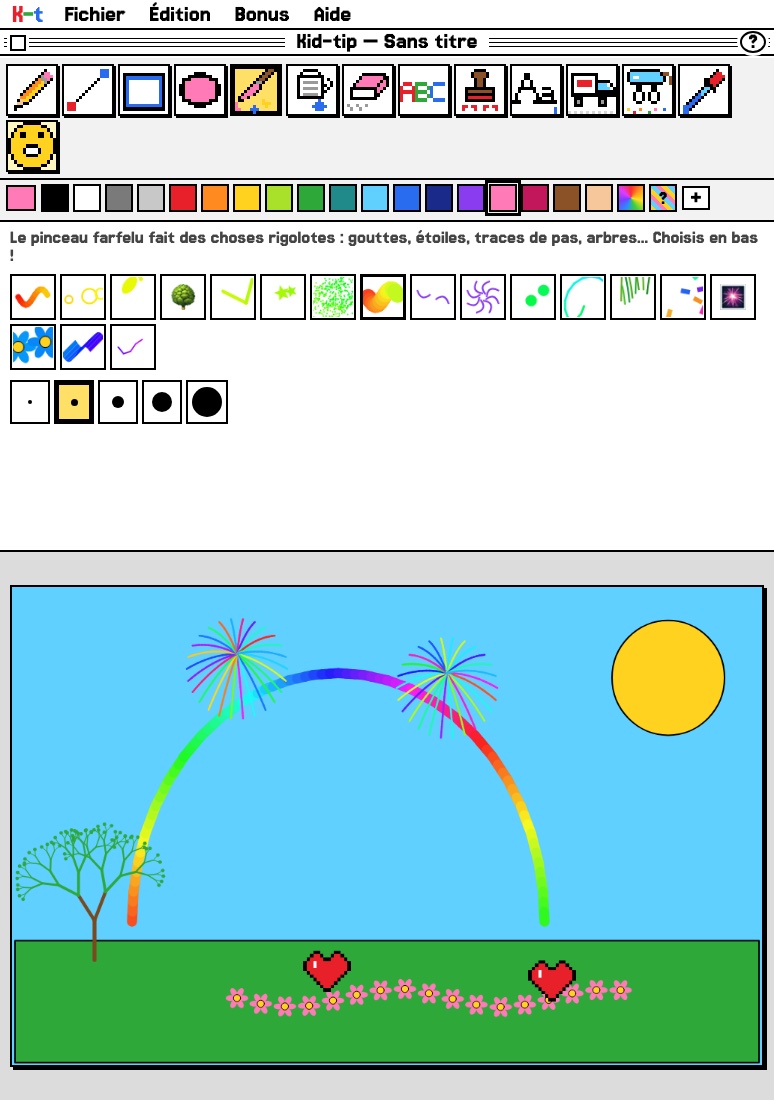
On iPhone Duo and foldable phones: the drawing on one side of the fold, the tools on the other.
5 languages
French, English, Spanish, German, Italian: menus, voice, alphabet and manual.
Little Kids Mode
The menus disappear, nothing gets broken.
For parents
No data sent, no ads, no purchases, no account. Works offline once installed.
A real art studio, made for small hands.
Big tools that are easy to recognise before you can read, bright colours, brushes that make stars or grow trees. Nothing can break: Oops always goes back.
- A sound for every tool, muted in one click if needed
- Patterned paint bucket, stamps, text that talks
- The dynamite eraser, the black hole and the rain
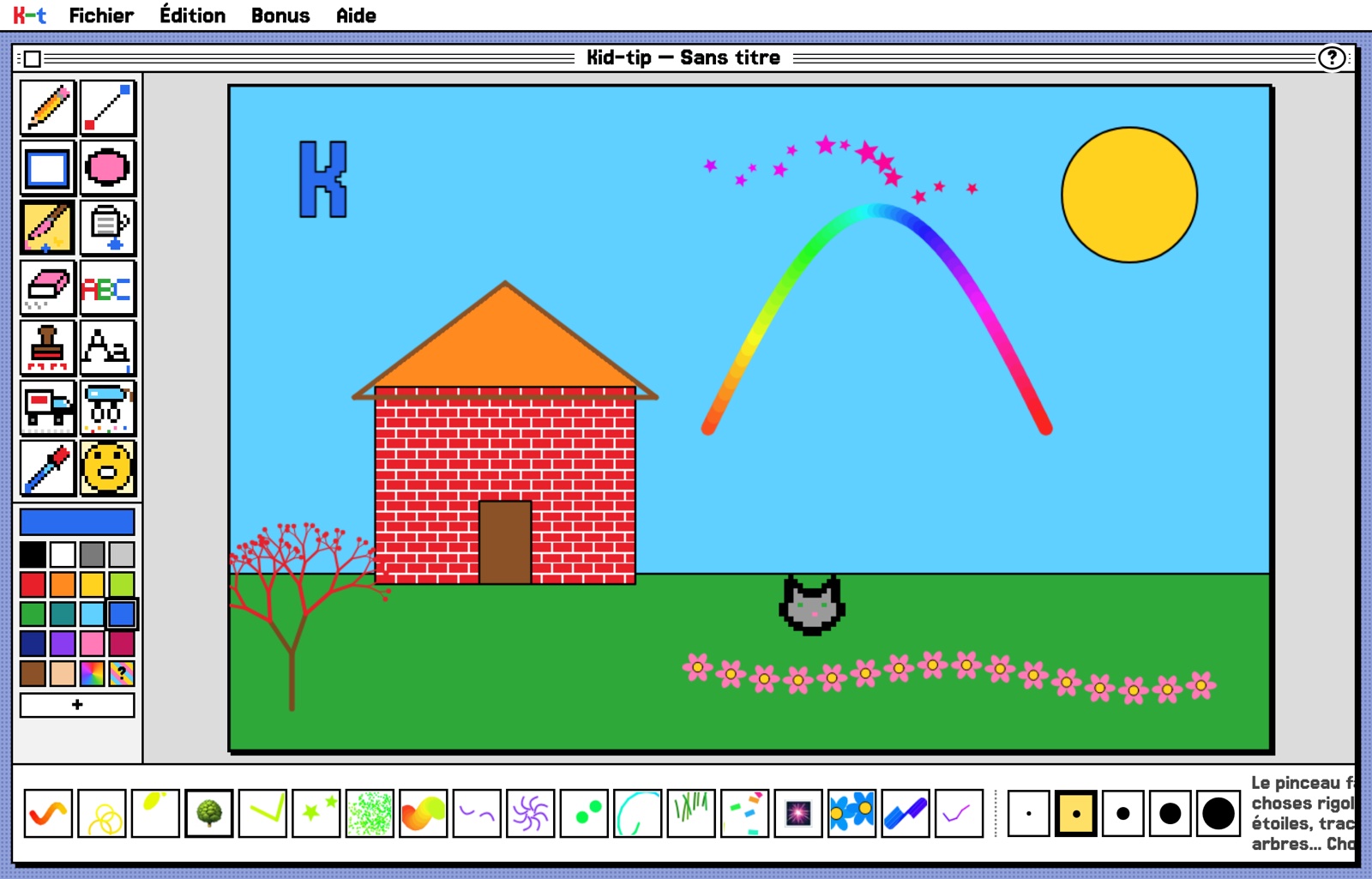
Can't read yet? Kid-tip shows the way.
Touch “?” then a tool: a balloon explains what it does. “Read” says it out loud, and “Show me” brings a little hand that demonstrates it.
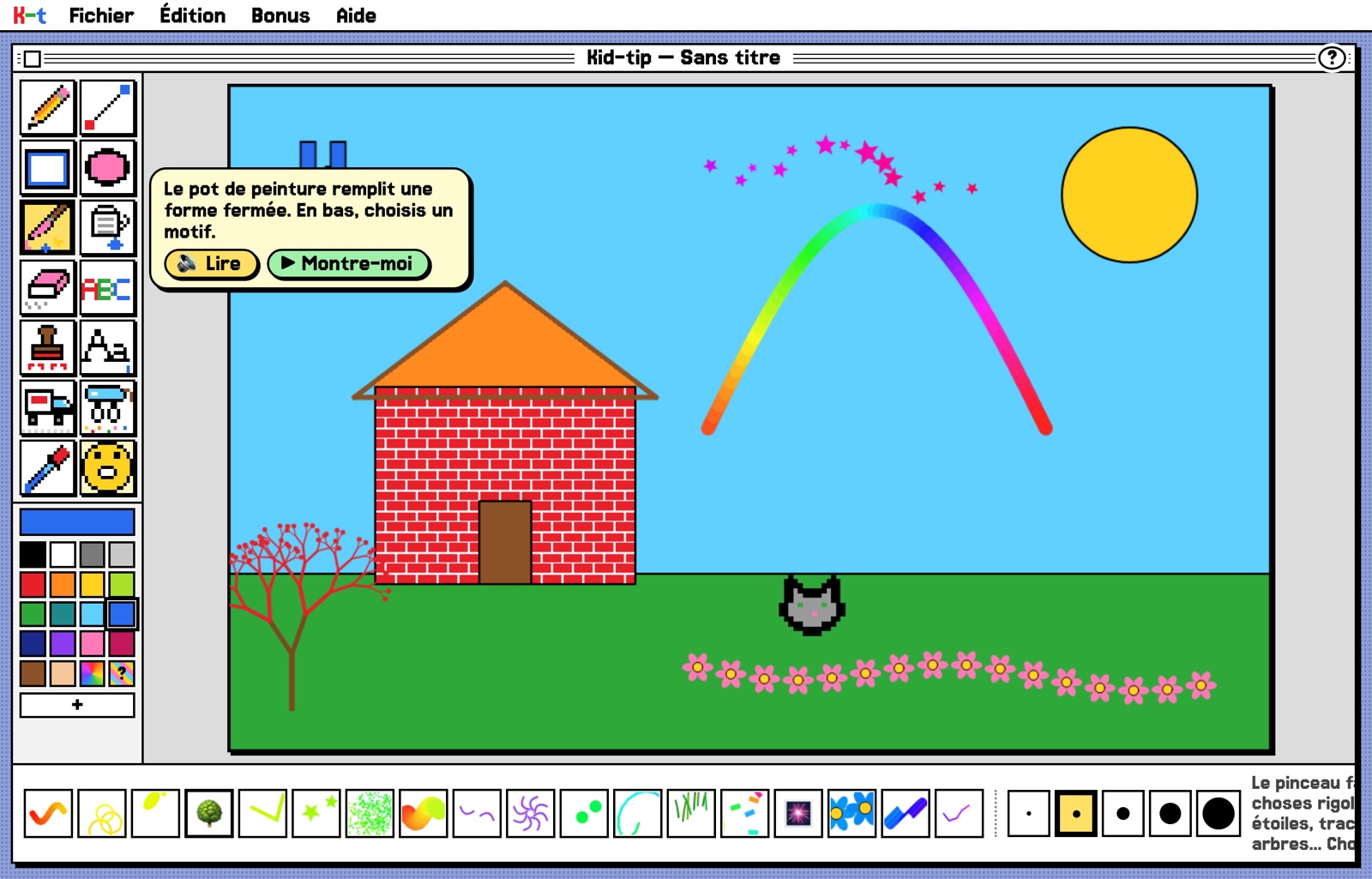
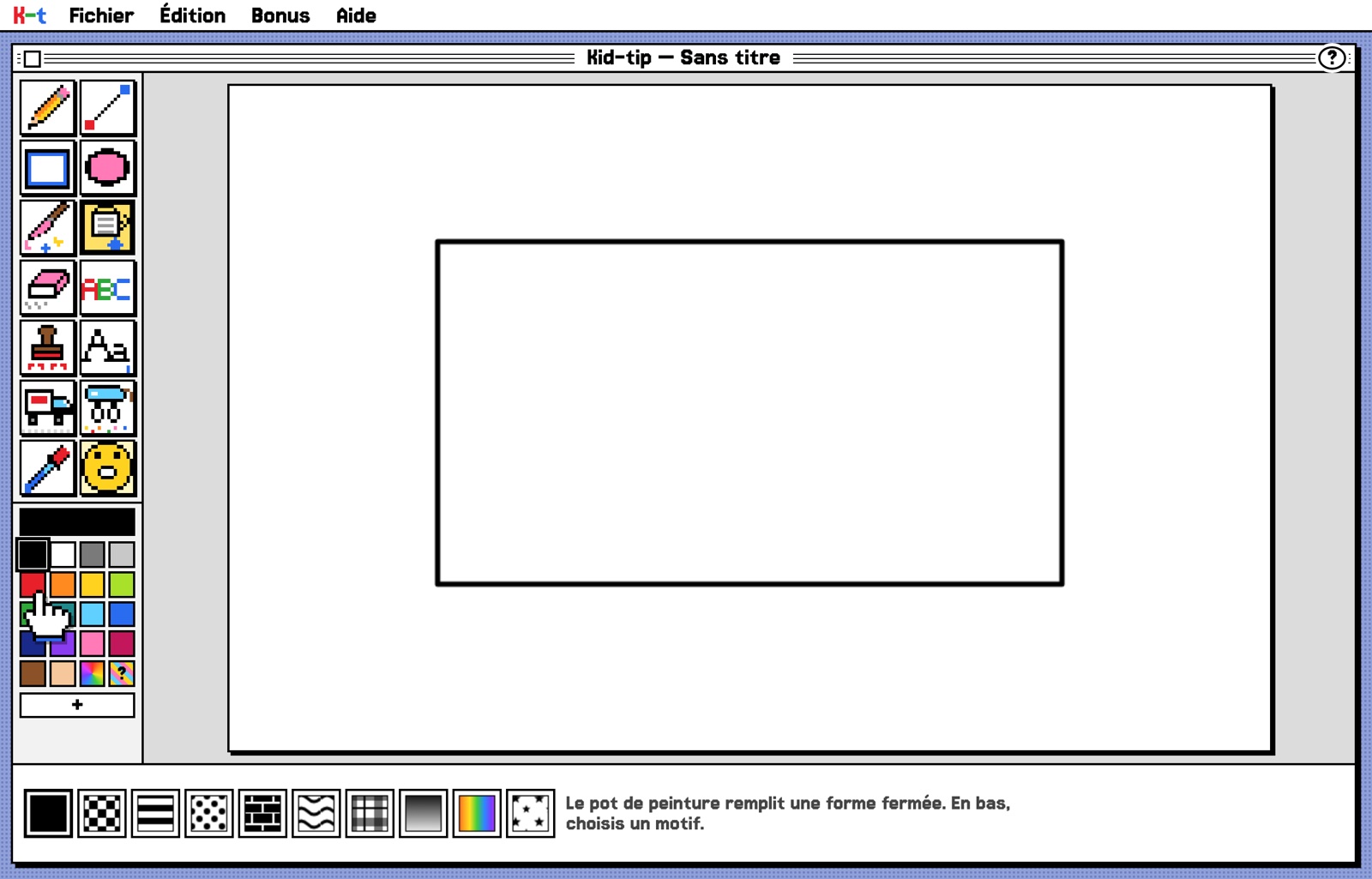
Drawing on one side, tools on the other
Open your iPhone Duo: the drawing page on one side of the fold, all the tools, colours and brushes on the other. Nothing sits on the fold, and when folded, Kid-tip goes back to its usual layout. The web version does the same on foldable and dual-screen phones (or with Goodies ▸ Split Screen).
Install it like an app
Kid-tip opens in your browser and installs on the home screen, without the App Store. Once installed, it works even offline.
- 1iPad and iPhone (Safari): Share ▸ Add to Home Screen.
- 2Mac (Safari): File ▸ Add to Dock.
- 3Chrome or Edge (PC, Mac, Android tablet): “Install” button in the address bar.
Made for children, reassuring for parents
Nothing leaves the device
No account, no ads, no in-app purchases, no data sent. Drawings stay on the device. The full manual is inside the program: Help ▸ Manual.
Little Kids Mode
The menus disappear: the child draws without breaking anything. And the Oops guy is always there to go back.
Coming soon as an app, on iPhone, iPad and Mac
€3.99, one purchase for all your devices. Saves to Photos, prints, uses the device's own voice, and works without the Internet. No ads, no in-app purchases, no account. The app is in Apple's review.
Saves to Photos, prints, uses the device's own voice, and on iPhone Duo puts the drawing on one side of the fold.
App StoreComing soonThe same art studio in a Mac window, working without the Internet.
Mac App StoreComing soonParents' questions
From what age?
From age 3. The tools are big icons that are easy to recognise before you can read, and help is read out loud. Little Kids Mode hides the menus so nothing gets broken.
Is it really free?
Yes, the web version is free, with no ads, no purchases and no account. The iPhone, iPad, iPhone Duo and Mac app will cost €3.99 as a one-time purchase, coming soon to the App Store.
Which devices?
In the browser, on Mac, PC, iPad, iPhone and tablet. Installed on the home screen, it opens like an app and works even without the Internet.
What data is collected?
None. Drawings and settings stay on the device. No ads, no analytics, and no links to the outside world inside the program. See the privacy policy.
How do we keep a drawing?
“Save Picture” creates a PNG image where you choose (Downloads, Photos, Files…). In the app, saving to Photos asks for your permission once.
Which languages?
French, English, Spanish, German and Italian: menus, voice, alphabet and manual.
Shall we draw?
Kid-tip is open to everyone: the web version is free.