
Simple, polished software, made with care.
To edit your photos, plan your projects and get the kids drawing. No subscription, no ads, no account to create.

Photo-top
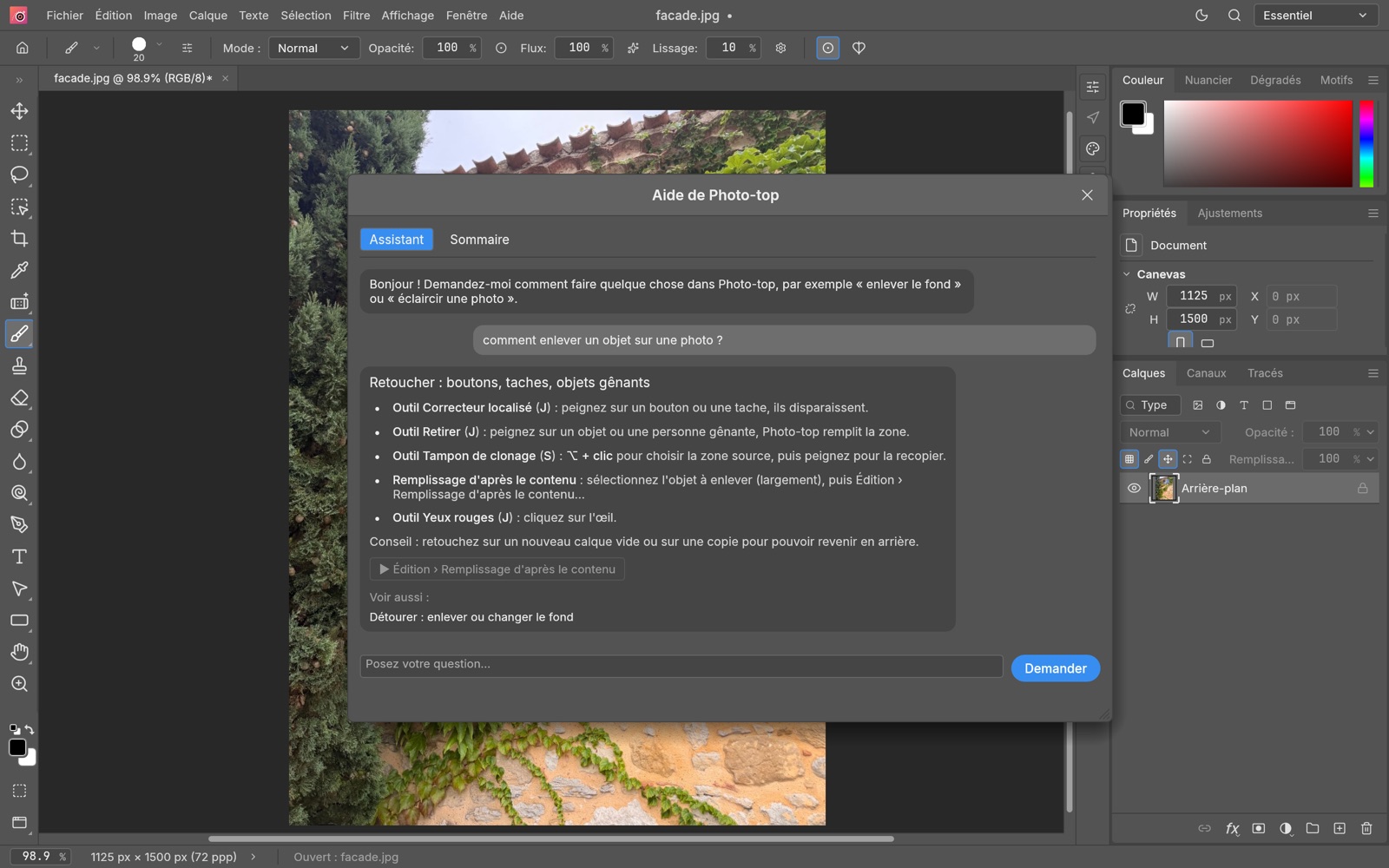
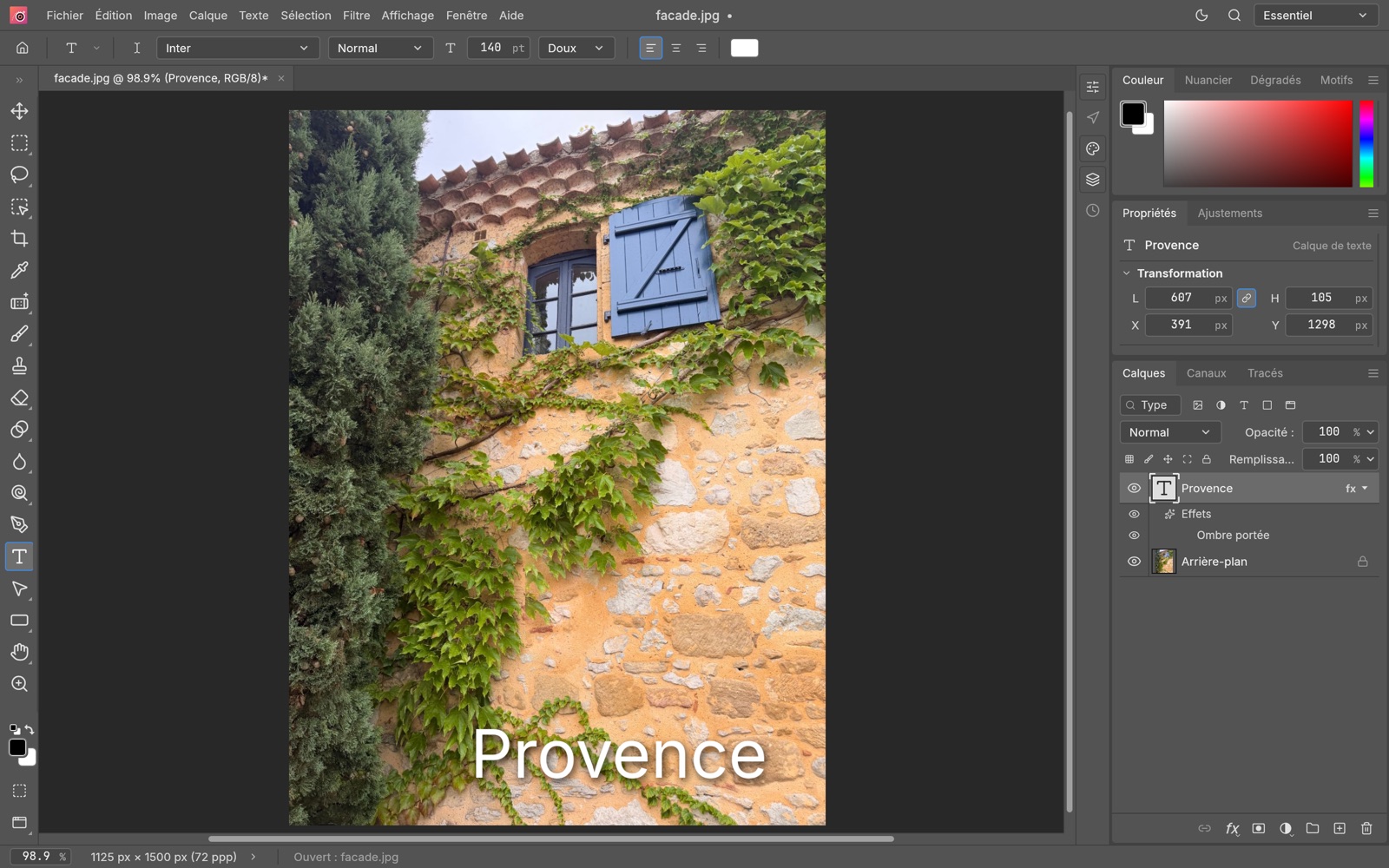
Photo editing · MacPhoto editing that gets to the point: one-click cut-outs, colour, layers, text, and built-in help that answers.

Tiptop Project Pro
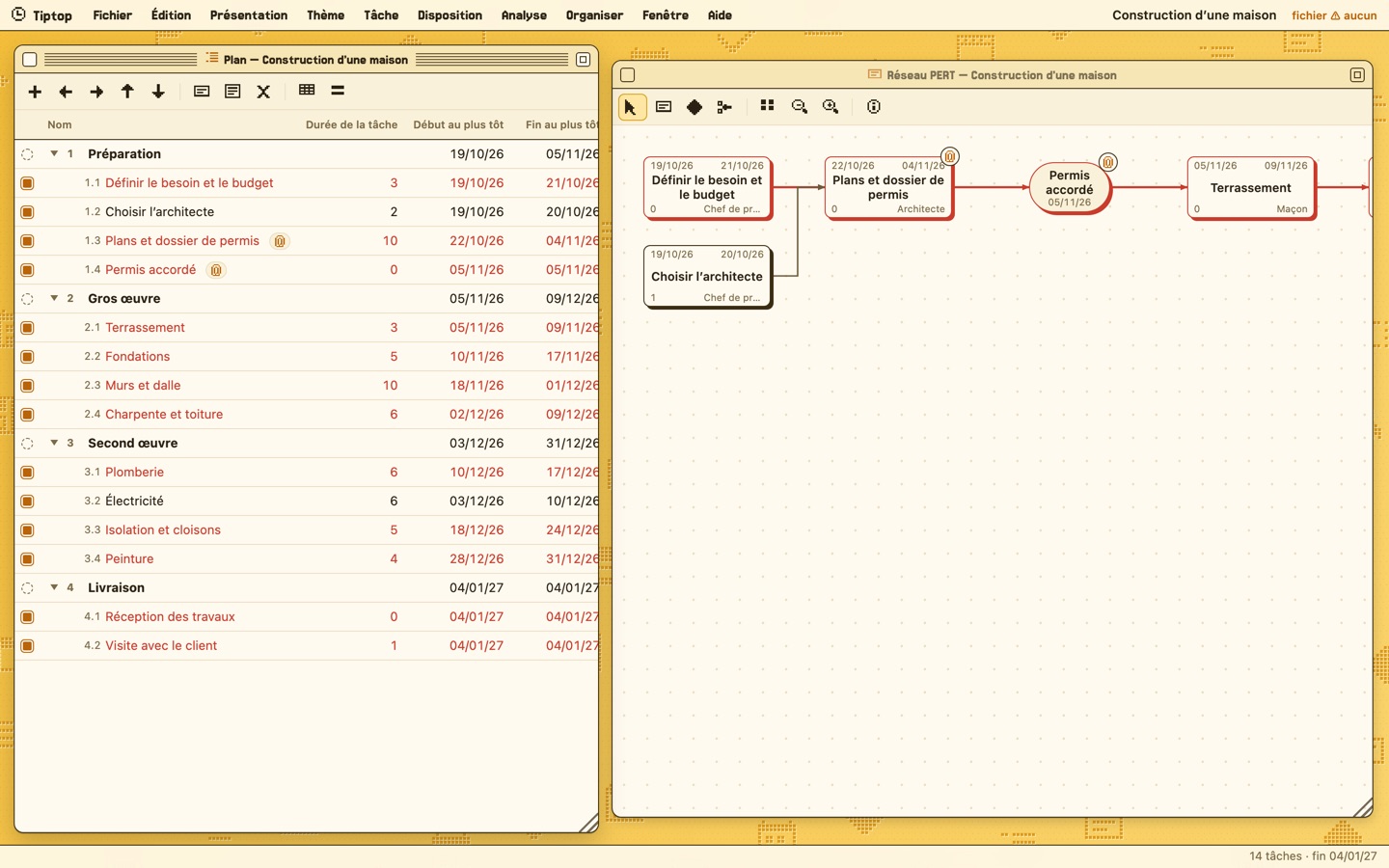
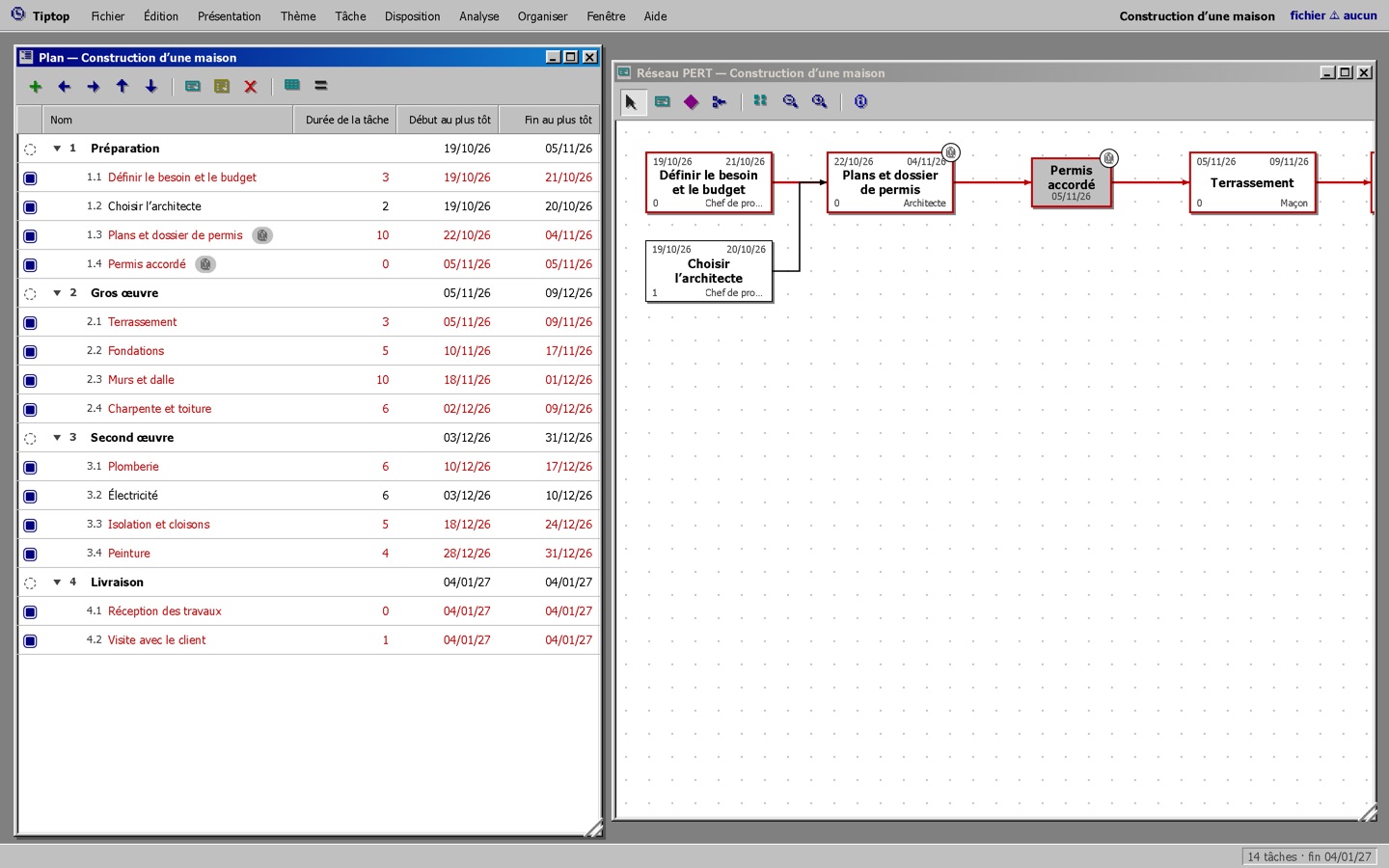
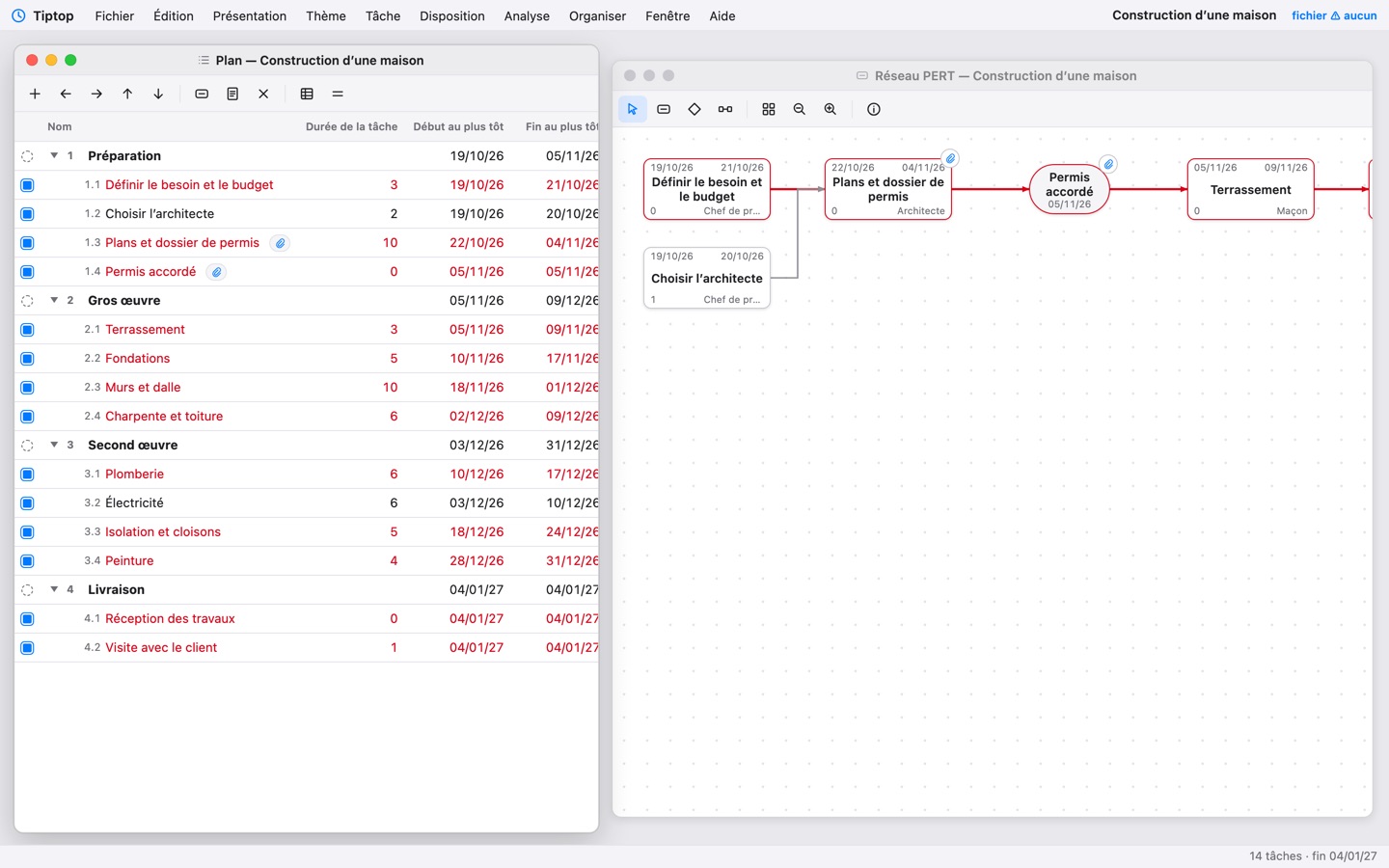
Project planning · PERTDescribe the tasks and what depends on what: dates, slack and the critical path work themselves out.

Kid-tip
Drawing for kids · from age 3Wacky brushes, a dynamite eraser, stamps, a mixer that turns everything upside down… and sounds everywhere.
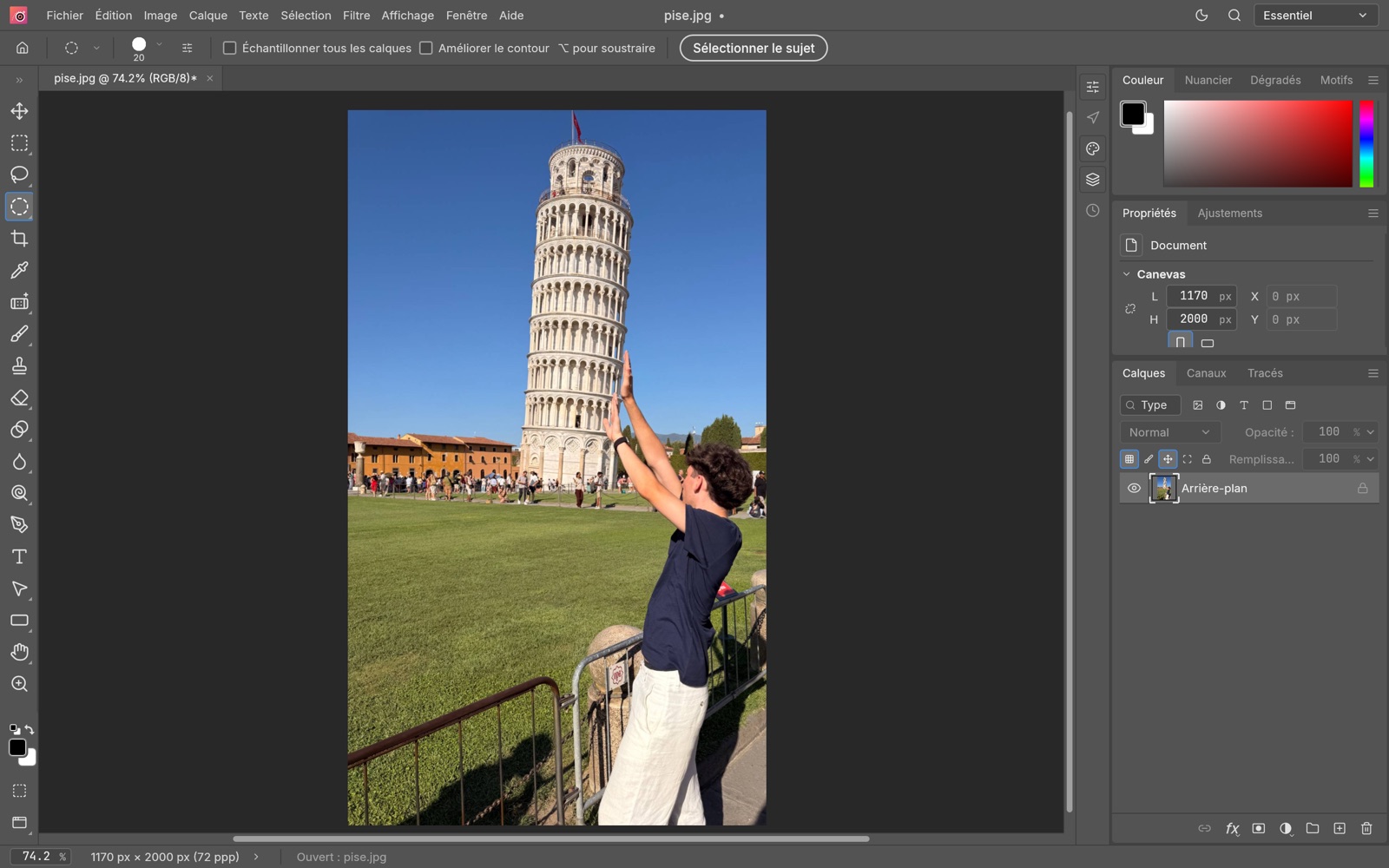
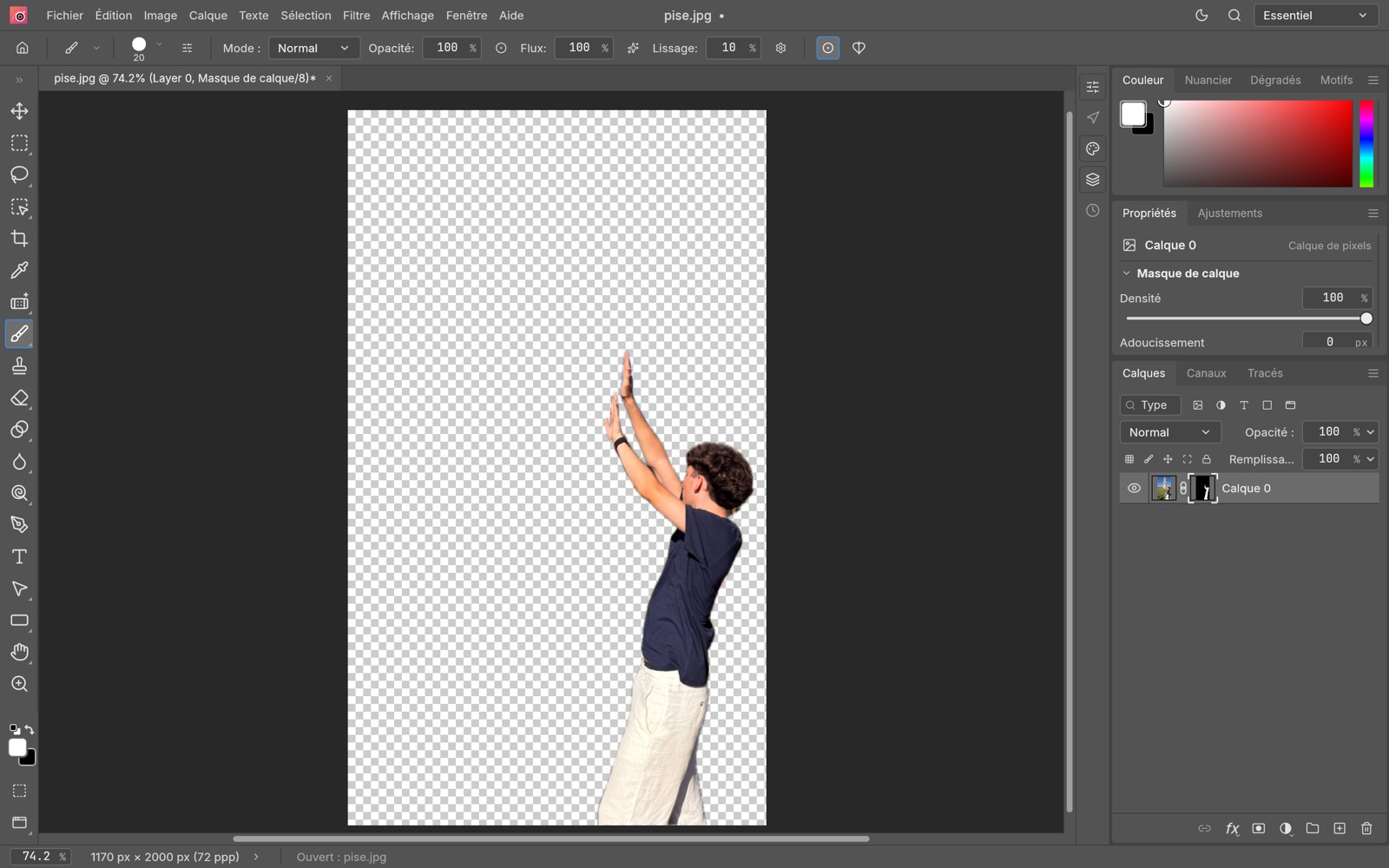 Photo-topComing soon to the Mac App Store
Photo editing that gets to the point.
Photo-top keeps what really matters, makes it simple, and explains everything. For Mac.
BeforeAfter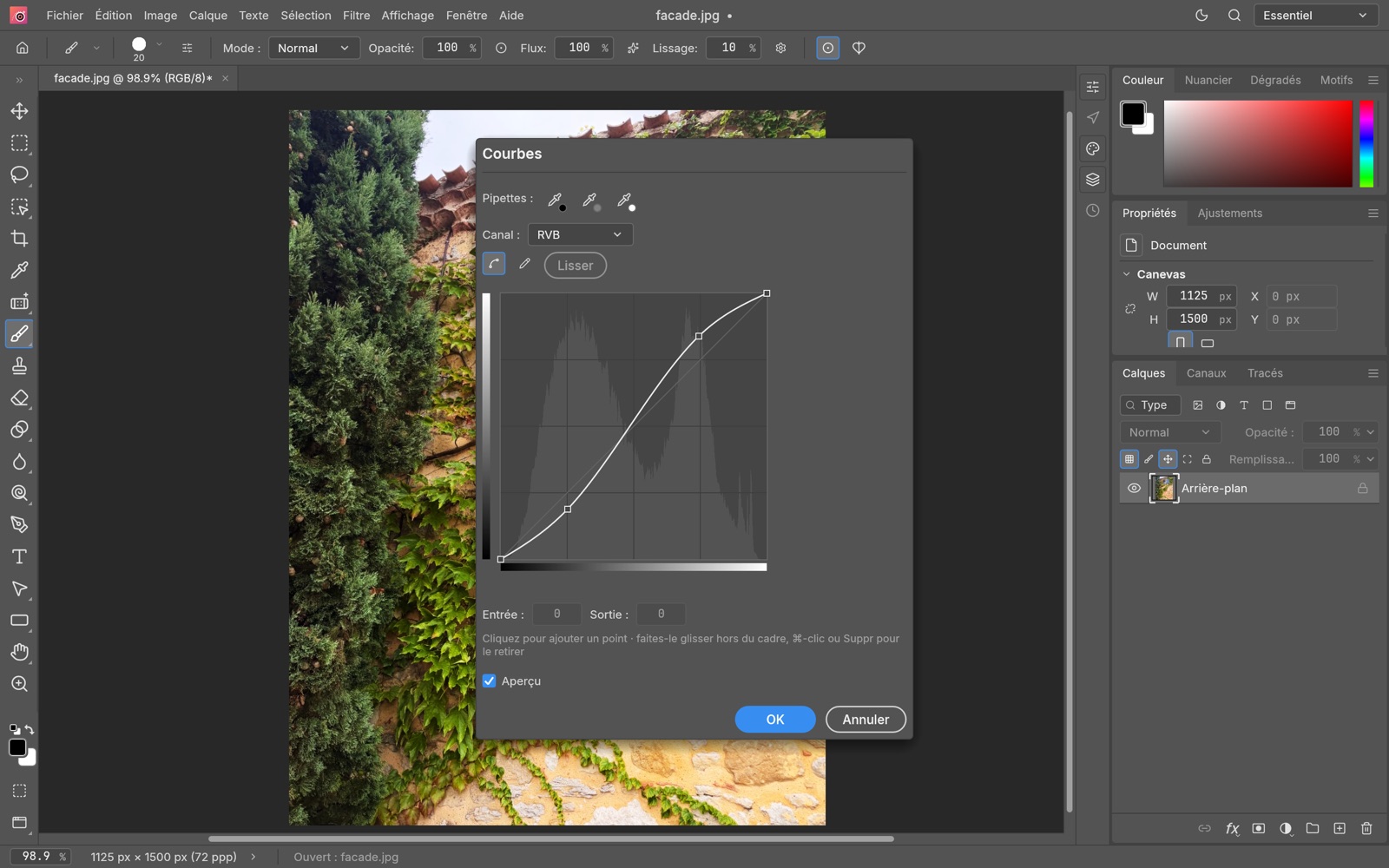
 Tiptop Project ProFree online beta
You describe the project. It works out the schedule.
A real PERT-network planning tool, simple, subscription-free, and respectful of your data.
- List the tasksPhases, subtasks and durations, typed as in a spreadsheet.
- Link themDrag from one box to another in the PERT network: what depends on what.
- Read the scheduleDates, slack and the red critical path update with every change.
The beta already works in your browser, on Mac, PC, iPhone and tablet. · User guide (PDF, French)
Three themes to choose from
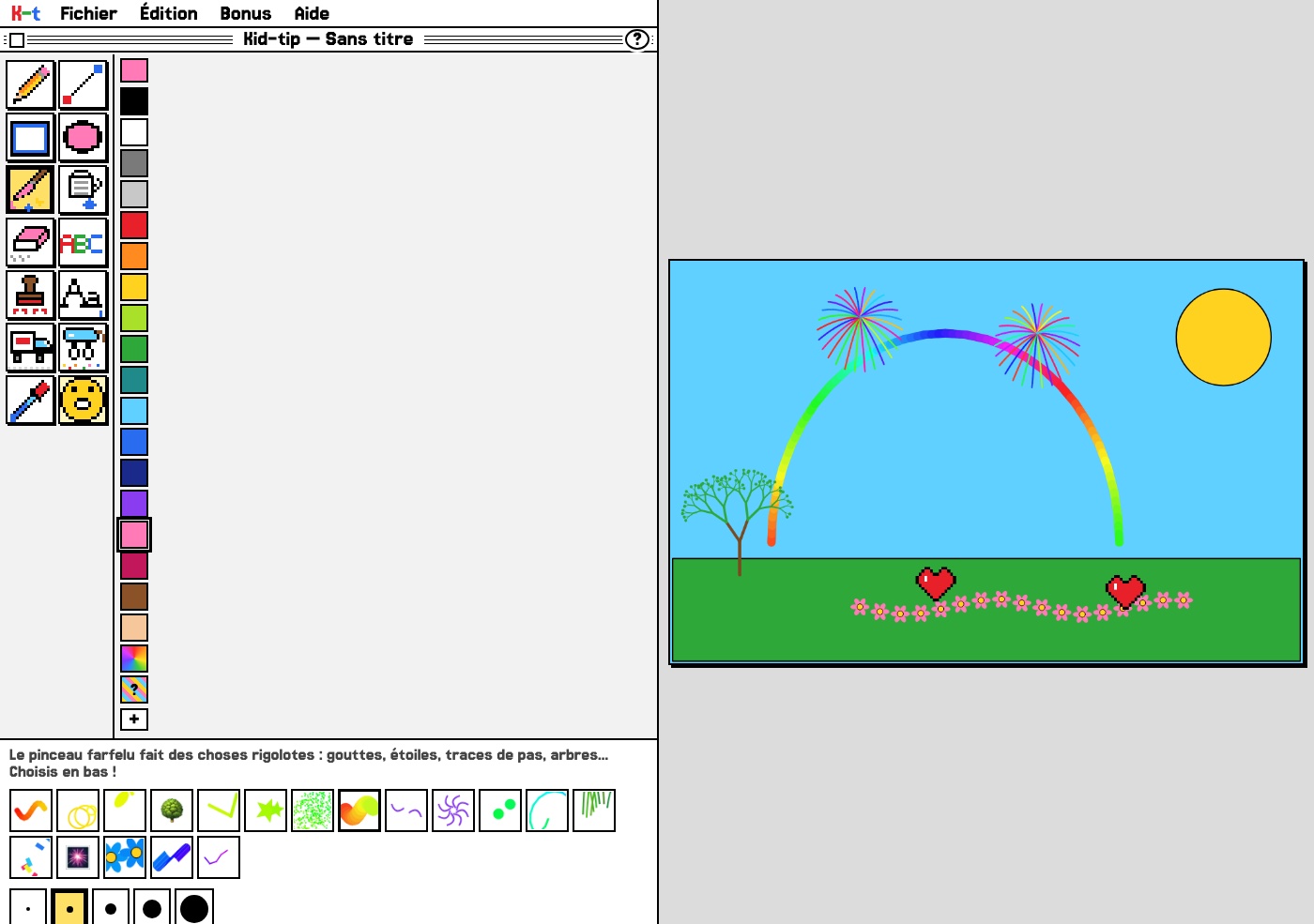
 Kid-tipFree web version
The drawing program for kids.
From age 3: big tools that are easy to recognise before you can read, surprises everywhere, and nothing gets broken.
How we work
A fair price, paid once. Or free, online.
No account, no ads, no trackers. Your files stay with you.
Once installed, our software works without the Internet.
Every message is read by the one who makes the software.
Try them now, for free.
Two of our programs open right in your browser, on a computer, tablet or phone. No sign-up.